
Advanced Google Image Search Techniques & Operators
Learn how to leverage the full power of Google Images, Google Lens, and advanced search operators to find precise visual content.
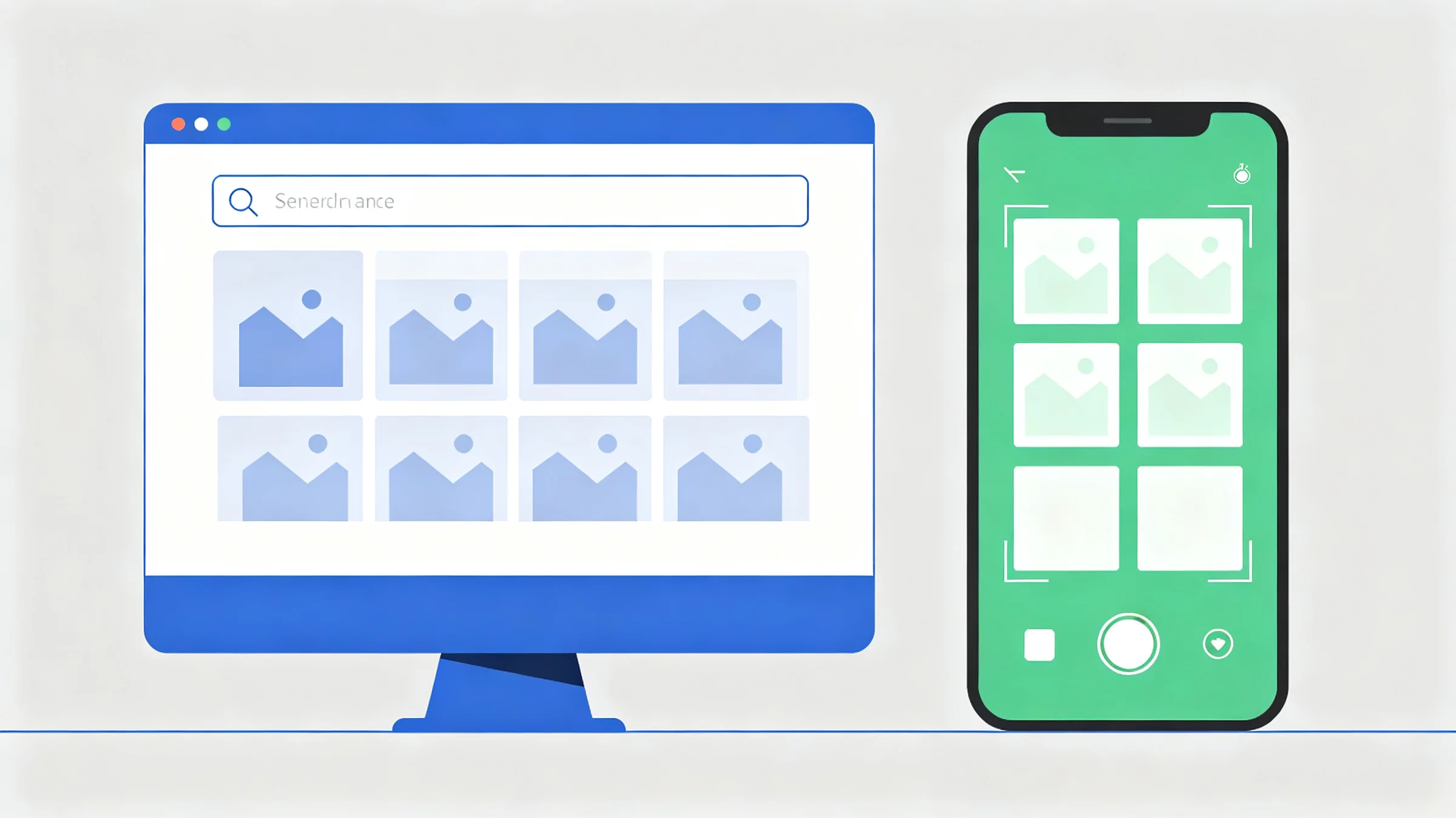
The Two Sides of Google: Images vs. Lens
When people say "Google Image Search," they are usually referring to one of two distinct systems. Understanding the difference is the first step to mastering Google visual search.
Text → Image
🔎 Google Images
Type keywords to find images. Relies on surrounding webpage text, alt-text, and filenames. Best with operators.
- ✓ Advanced text operators (site:, filetype:)
- ✓ Usage rights filter
- ✓ Exact phrase matching
Image → Insight
🔍 Google Lens
Upload an image and Google identifies what's inside it. Object recognition, shopping, text translation.
- ✓ Object & product identification
- ✓ Multisearch (image + text)
- ✓ Text translation from image
Mastering Google Lens
Google Lens is incredibly powerful when used with these three core techniques:
1. The Bounding Box Crop
When you upload a photo with multiple objects, Lens guesses what you want. Take control by dragging the white bounding box to tightly enclose the specific item. This dramatically changes the "Visual Matches" results.
2. Multisearch — Combine Image + Text
Upload an image of a white dress, then type "red" in the search bar. Google will find visually similar dresses but force your color constraint. This feature is exclusive to the Google mobile app.
3. The "Find Image Source" Button
If you want to know where the image came from (not just what's in it), upload it to Lens and click "Find image source." This activates reverse image search mode and surfaces the originating page.
Advanced Text Search Operators
Type these operators directly into the Google Images search bar to unlock precision results that the dropdown UI can't achieve.
Restrict to one site
site:unsplash.com "mountain landscape"Only show images hosted on Unsplash
Exclude Pinterest spam
"living room decor" -site:pinterest.comRemove all Pinterest results from the feed
Find transparent PNG
filetype:png "logo" transparent backgroundGreat for finding assets with no background
Exact image dimensions
"desktop wallpaper" imagesize:1920x1080Force Google to return a specific resolution
Exact phrase in context
"2024 olympic gold medal winner"Find images whose surrounding page uses this exact phrase
Creative Commons images
"mountain landscape" license:creativecommonsFind images you can legally reuse or adapt
Hidden Filters in Google Images
After any image search, click the "Tools" button to reveal hidden visual filters:
- Size: Filter by Large, Medium, or Icon.
- Color: Filter by dominant color or choose "Transparent" for no-background assets.
- Type: Filter by Clip Art, Line Drawing, or Animated GIF.
- Usage Rights: Find images with Creative Commons licenses for legal reuse.