
How to Find Visually Similar Images
Discover techniques and tools to find images that share the same visual aesthetic, composition, or objects without being exact duplicates.
What is Visual Similarity Search?
Unlike reverse image search — which hunts for exact pixel-for-pixel duplicates — visual similarity search finds different images that share common visual characteristics: the same color palette, lighting style, composition, or even just the same "vibe." The algorithm understands meaning and aesthetics, not just pixels.
Choose Your Tool Based on Your Goal
Pinterest Lens
Best for aesthetic & style matching
Best for: Creative inspiration, mood boards, lifestyle discovery
Limitation: Results biased to Pinterest's own content ecosystem
Google Lens
Best for general visual similarity
Best for: Identifying specific items and finding similar consumer products
Limitation: Less tuned to 'aesthetic' — better for literal similarity
Bing Visual Search
Best for shoppable alternatives
Best for: Finding similar but cheaper alternatives to a product
Limitation: Smaller index; less useful for pure inspiration
See It in Action: Visual Similarity Results
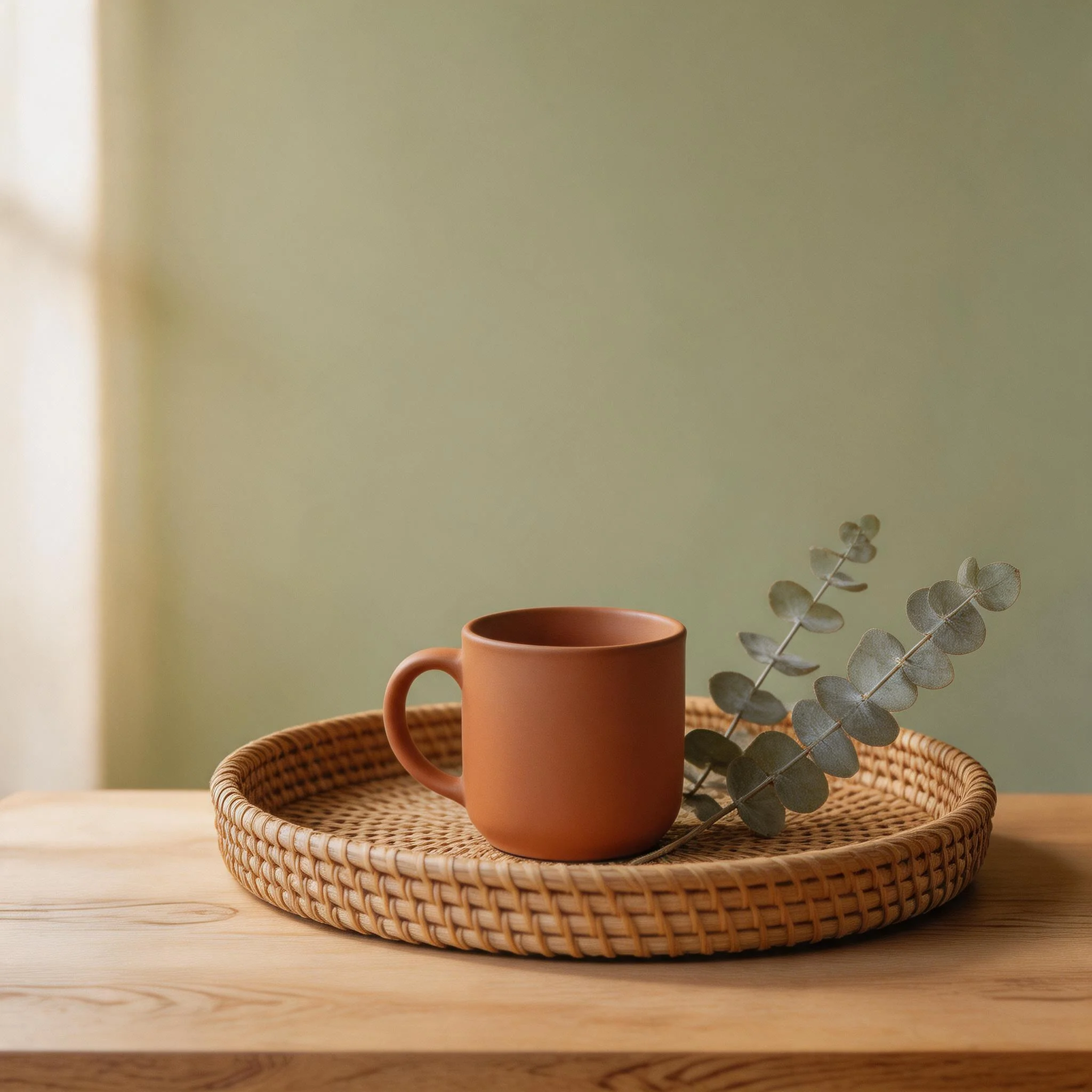
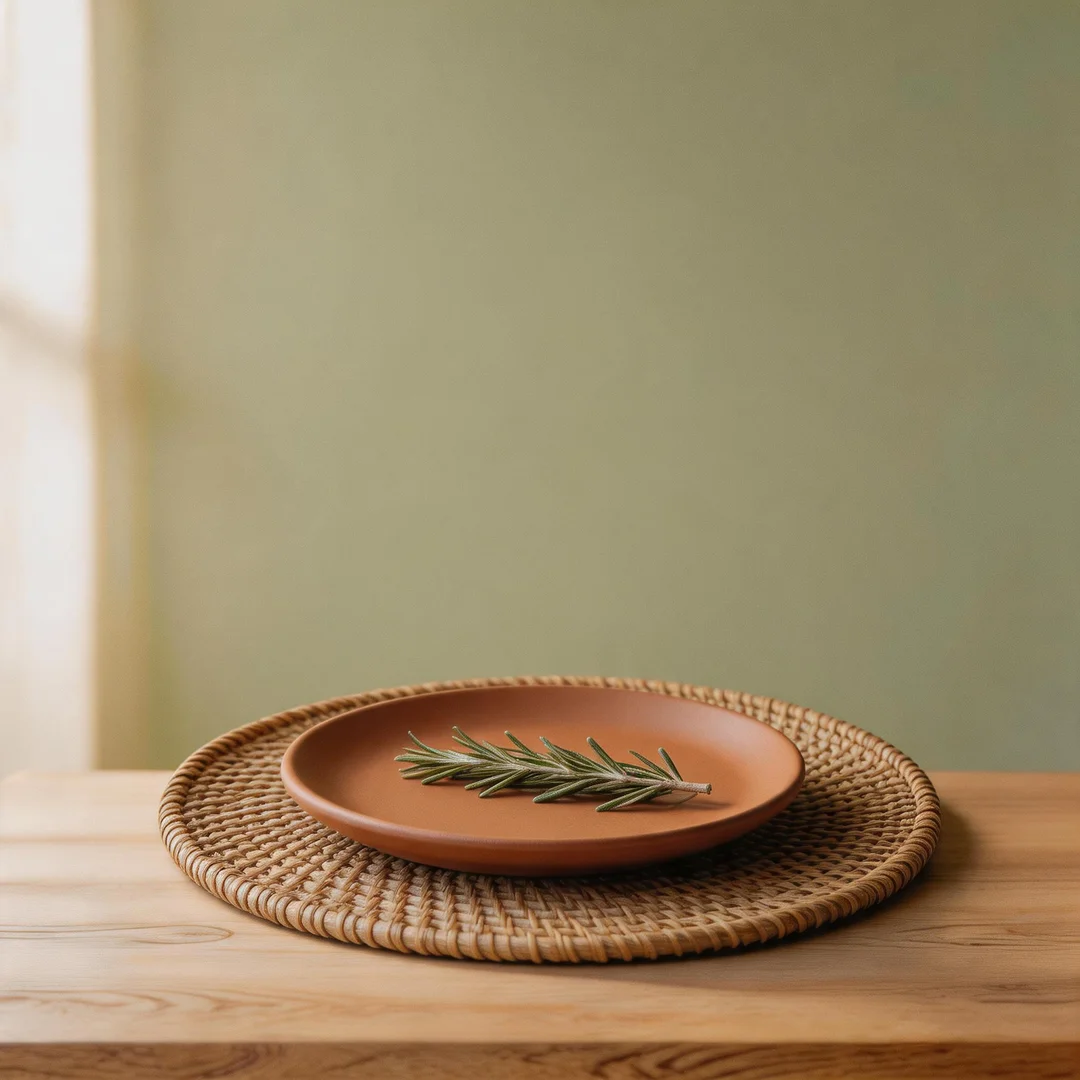
Below are two sets of examples showing how uploading one image leads to finding visually related results:
Example 1 — Interior Design Style Matching
Example 2 — Fashion & Color Style Matching
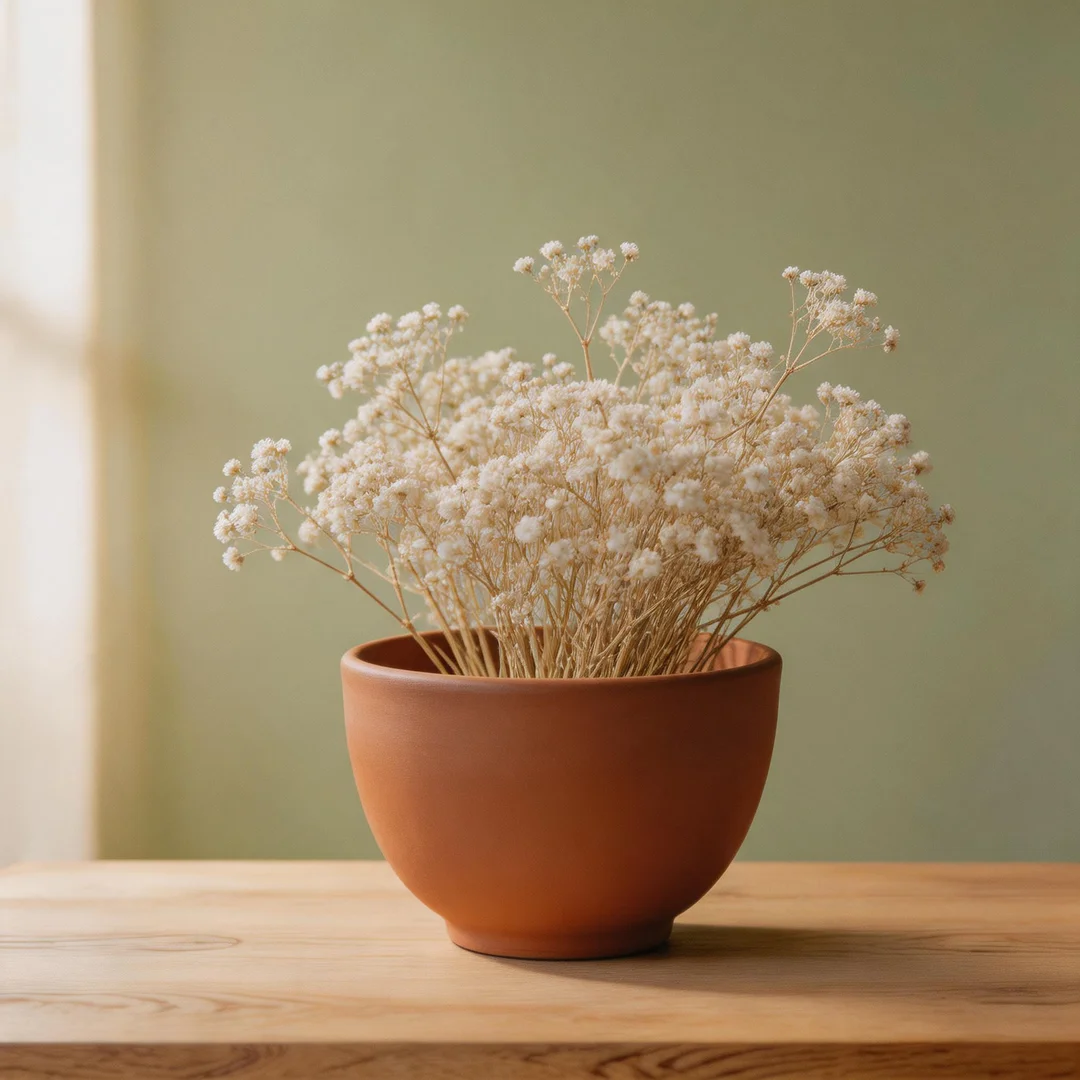
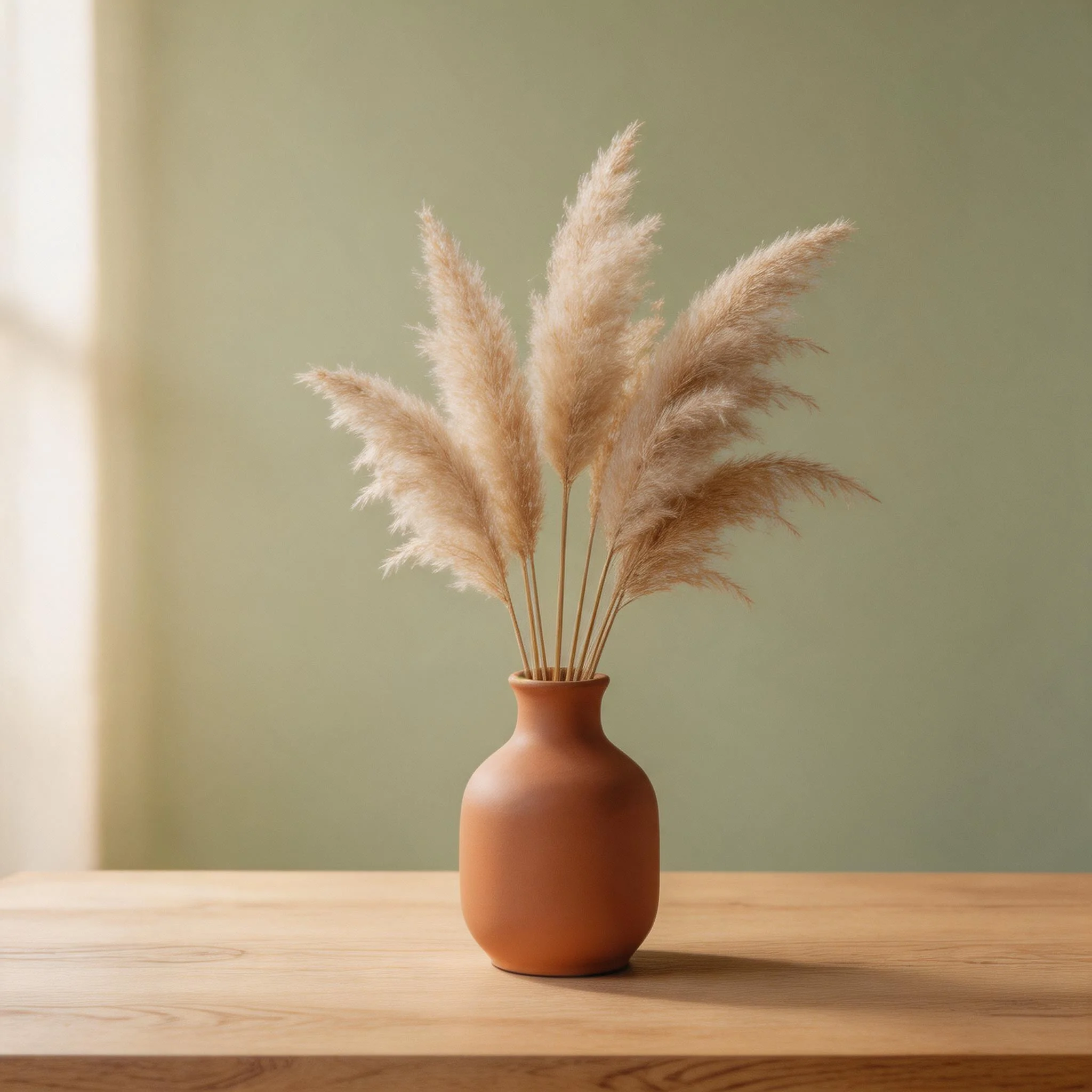
Search by Scene — 5 Use Cases
Interior Design
Upload a room photo to Pinterest Lens. It breaks down individual items and finds similar pieces to buy.
Fashion & Outfits
Crop tightly around the garment, then search with Google Lens for the brand and exact item.
Color Palette
Use Adobe Color to extract the palette, or add color descriptors like 'dusty rose, sage green' to your query.
Art Style
Describe the art movement: 'impressionist landscape warm tones' is far better than just uploading a painting.
Product Alternatives
Found an expensive item? Search Bing Visual and add 'affordable alternative' to find similar budget options.
Tips for Better Results
- Crop aggressively: Eliminate background noise. If you want a similar lamp, crop out the rest of the room.
- Combine image with text: In Google Lens, add text modifiers like "vintage," "minimalist," or a specific color to steer the algorithm.
- Iterate: If a result is closer to what you want but not perfect, use that new image as the seed for your next search.