
How to Find a Product from an Image
A complete guide to identifying items in a photo — from streetwear to vintage furniture — and finding where to buy them online.
The Rise of Visual Shopping
Have you ever seen a stunning living room or perfectly styled outfit and wondered, "Where did they buy that?" E-commerce visual search is one of the fastest-growing technology segments, designed specifically to turn any image into a shoppable storefront.
The 4-Step Product Discovery Workflow
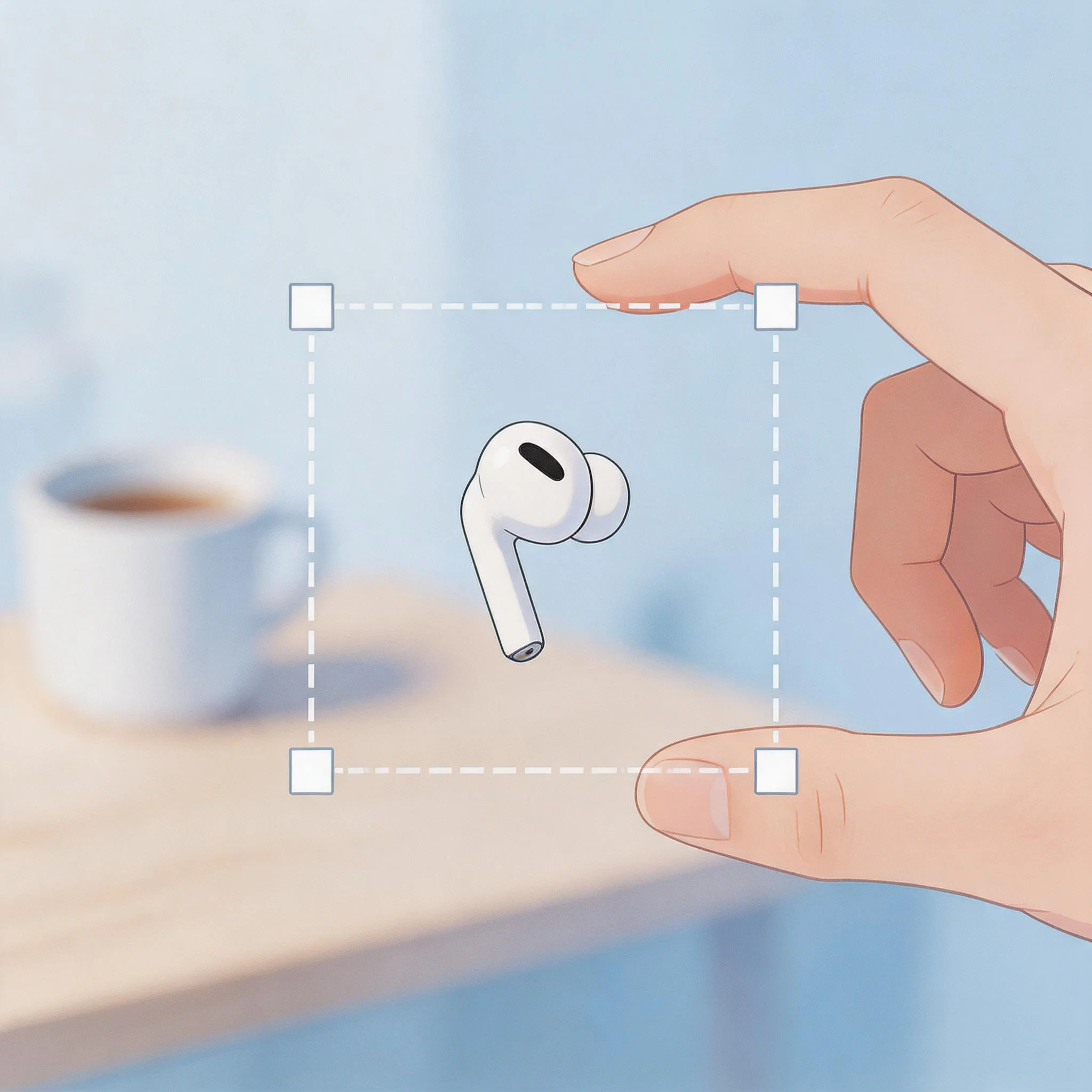
Crop tightly around the product
Remove all background, people, and unrelated objects. The AI can't guess which item you care about. Crop so only the target product is visible.
💡 If the photo has 5 items, search each one as a separate cropped image.
Upload to Google Lens
Use the Google app (mobile) or images.google.com (desktop). Upload your cropped image and check the 'Visual Matches' and 'Products' tabs.
Read the product label or name
Lens will often surface the exact brand name and product title. Even without a direct shopping link, this name is your key to the next step.
💡 Got a product name? Now pivot to Google Shopping for price comparison.
Compare prices via Google Shopping
Take the product name from Lens and run a text search in Google Shopping or Amazon to find the best deal across retailers.
Use Multisearch for color/style variants
Found the right jacket but want it in blue? In the Google app, upload the image, then type 'blue' in the search bar. Google applies your color filter to visual matches.
The Best Tools for Product Discovery
Don't use TinEye for product discovery — it only finds duplicates. Use engines connected to e-commerce catalogs:
Google Lens
The all-rounder
Largest shopping index. Best for sneakers, clothes, watches, plants, hardware tools — almost anything.
Bing Visual Search
The retail specialist
Excels at parsing an entire room or outfit scene and presenting each product as a separate, shoppable clickable item.
Pinterest Lens
The aesthetic matcher
Best for fashion and interior design. Finds aesthetically 'similar' items and links to boutique retailers.
Amazon App Camera
Skip the middleman
Searches only Amazon's catalog. Ideal when you already know you want to buy from Amazon.
Shop by Category
Common Challenges
- Knockoffs vs. Authentic: Fast-fashion brands often clone designer items visually. Always verify the brand name before purchasing — visual search can't tell a $20 dupe from a $2000 original.
- Heavy filters change colors: A white dress under a warm filter looks yellow. Try to find an unfiltered version of the image if results are wildly off.
- Discontinued items: If an item is older or discontinued, the engine will show the closest current alternatives. Use the description to search vintage marketplaces like Depop or eBay.